Why Another Random Tutorial Won’t Solve It
Have you ever opened YouTube because you needed help learning about surface pattern design—and looked up forty-five minutes later with twelve tabs open?
One person tells you to use Procreate. Another uses Photoshop. Someone else moves so quickly that you’re pausing the video every few seconds, trying to find the same panel on your own screen.
By the time you close your computer, you may know a little more than you did before.
But you’re no closer to achieving your dream of seeing your designs on fabric than you were when you started.
If this has happened to you, it’s easy to think you’re the problem.
Maybe you’re not technical enough. Maybe you’re too old to learn design tools like Adobe Illustrator. Maybe everyone else understands something that you’ve somehow missed.
But the problem probably isn’t your ability.
The problem is that random tutorials give you pieces when what you need is a path.
There’s more information than ever—and that’s not always helpful
We live in a remarkable time. If you want to learn almost anything, someone’s probably made a video about it.
That can be wonderful. I use tutorials, too. They can answer a specific question, demonstrate a tool, or help you see another way to solve a problem.
But access to information isn’t the same as having a learning plan.
Imagine that someone handed you a pile of individual pages from ten different cookbooks. One page explains how to chop an onion. Another tells you how to make a sauce. A third describes the perfect oven temperature. All of the information may be accurate, but that doesn’t mean those pages will come together into one successful dinner.
That’s what often happens when you try to learn Illustrator through disconnected tutorials.
Each teacher has a different goal. One may be creating a logo. Another is drawing a complicated illustration. Another assumes you already understand layers, artboards, file types, and keyboard shortcuts.
Even tutorials about surface pattern design may begin in different places, use different methods, or expect different levels of experience.
You collect useful fragments, but no one’s shown you how they fit together.
A tutorial usually teaches a tool—not your whole process
Illustrator is a large and powerful program. It can be used for logos, maps, packaging, typography, technical drawings, illustrations, patterns, and many other things.
You don’t need to learn all of it to turn your doodles into repeating patterns for fabric, wrapping paper, wallpaper designs and more.
In fact, trying to learn everything can slow you down.
You watch a video about the Pen Tool because it seems important. Then you see someone using clipping masks, so you decide you should understand those first. Then another teacher mentions Image Trace settings, color modes, swatches, or symbols.
Soon your original goal—turning one of your drawings into a repeating pattern—has disappeared beneath a growing list of things you think you need to master.
That’s one reason you feel overwhelmed. It isn’t just that Illustrator has many tools. It’s that no one’s helped you separate what you need now from what can wait until later.
You don’t need every tool.
You need the right few tools, taught in the right order, for the specific thing you want to create.
Random tutorials make it difficult to see your progress
When you move from one unrelated video to another, you may spend hours learning without producing anything that feels finished.
That can be discouraging.
You’ve worked hard. You’ve taken notes. But you still don’t have a clear picture of the process from beginning to end.
Without a clear beginning and end, it’s difficult to recognize progress.
Compare that with a simple, specific outcome:
Start with one doodle on paper.
Bring it into Illustrator.
Clean it up and add color.
Turn it into a repeating pattern.
Learn how to fix the most common mistakes.
Now each new skill has a purpose. You aren’t learning a tool because someone online said you should know it. You’re learning it because it moves your doodle one step closer to a finished repeat.
That difference matters.
Finishing one small project builds your confidence more than watching twenty videos about what you might create someday.
You also need a way to recover when something goes wrong
Tutorials usually show the process working.
The teacher clicks a button, and the expected thing happens.
But when you click the same button, your doodle disappears. The color fills the wrong area. The pattern has a mysterious white line. Your screen doesn’t look like the teacher’s screen, and you can’t tell which earlier step caused the problem.
This is often the moment when you stop.
Not because you can’t learn, but because you don’t yet know how to diagnose what happened.
A recorded tutorial can’t look at your screen and say, “I see the problem. Go back one step and check this setting.”
It can’t reassure you that the mistake is common, fixable, and not evidence that you should give up.
Good instruction does more than demonstrate the perfect sequence. It helps you understand the process well enough to recover when your version is imperfect.
And your version will sometimes be imperfect. Mine is, too. That’s part of creating and learning.
What works better than collecting more tutorials?
You need three things:
A clear outcome. Know exactly what you’re working toward. Not “learn Illustrator,” but “turn this doodle into a repeating pattern.”
A sequence. Learn only what you need for the next step, in an order that’s repeatable, dependable, and works every time.
Support. Have somewhere to turn when your screen doesn’t match the demonstration or you’re unsure what to do next.
Once you’ve got that foundation, random tutorials become much more useful. You can search for a particular technique because you understand where it fits. You can evaluate whether a video is relevant to your goal. You can add new skills without losing the path you’re already following.
The issue isn’t that free tutorials are bad. The issue is asking them to provide a complete learning experience they were never designed to provide.
You’re not behind—you may simply be missing the path
If you’ve been saving tutorials, starting videos, and still feeling unsure about how to make your first repeating pattern, please don’t use that as proof that you can’t do this.
You may not need more discipline, more talent, or more time.
You may simply need someone to say:
Start here.
Do this next.
Ignore the rest for now.
And if something goes wrong, we’ll figure it out together.
That’s exactly why I created From Doodles to Dollars® Coaching Week. It gives you a clear, supported path from one simple doodle to a finished repeating pattern—without asking you to learn all of Illustrator first.
If that’s the kind of guidance you’ve been missing, join us. Early-bird tickets are only $37.
Join me for Doodles Coaching Week.
xo,
Anne
It’s Never Too Late to Create®
More Resources for You!
Check out my new Video Podcast on YouTube!
Ready to create your first repeating pattern in Adobe Illustrator with me by your side? Join the From Doodles to Dollars® Coaching Week.
Grab your early-bird ticket HERE.
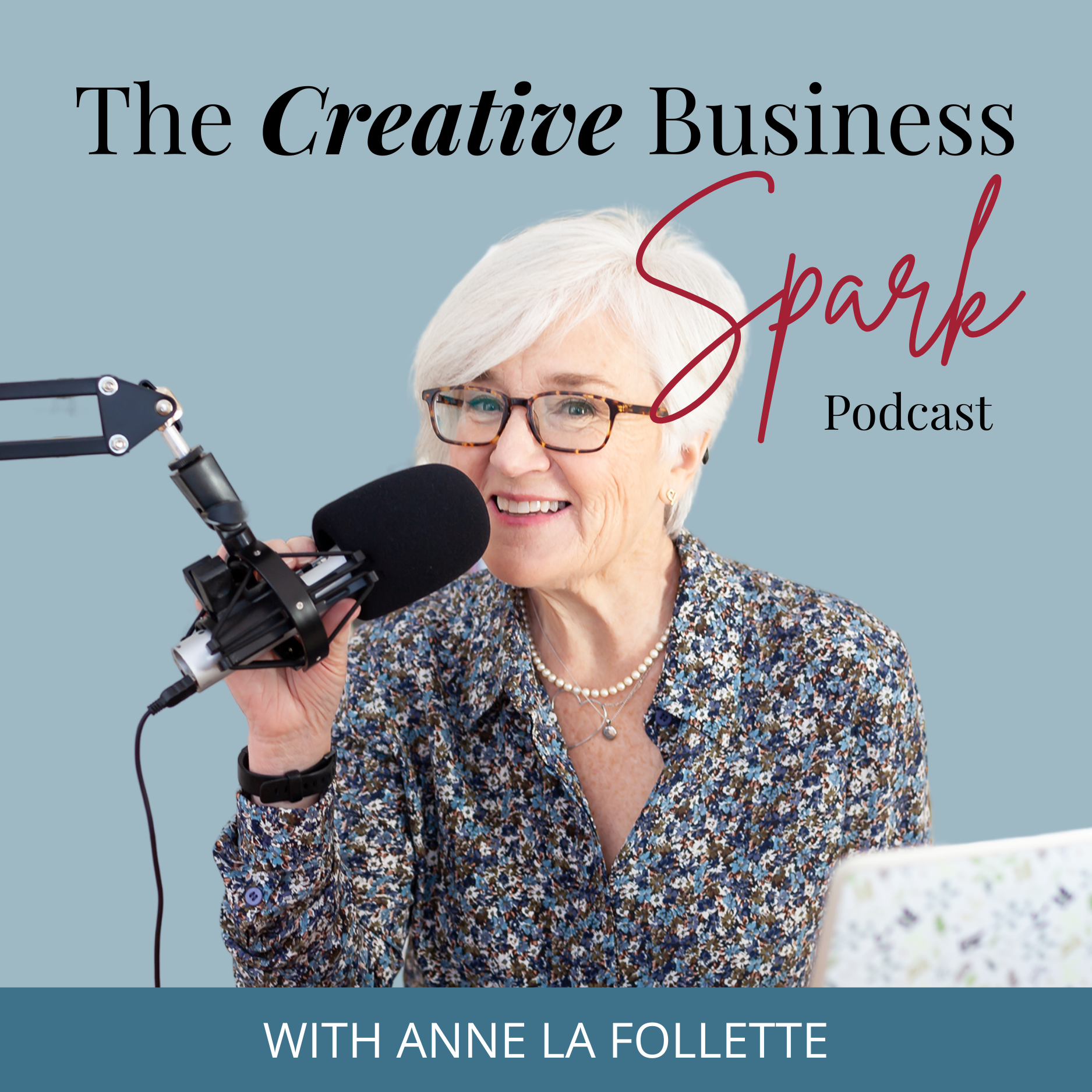
The Creative Business Spark Podcast.
Subscribe to the show on Apple Podcasts, Spotify or wherever you get your podcasts.
Check out the latest episodes HERE.
MEET ANNE

Hi…I’m Anne!
My creative inspiration comes from a lifetime of observation. I grew up in Paris on the Place St. Sulpice and walked to school through the Luxembourg gardens. And that was only the beginning… Learn more by watching the video on my About page.